

 Wipster Content Team
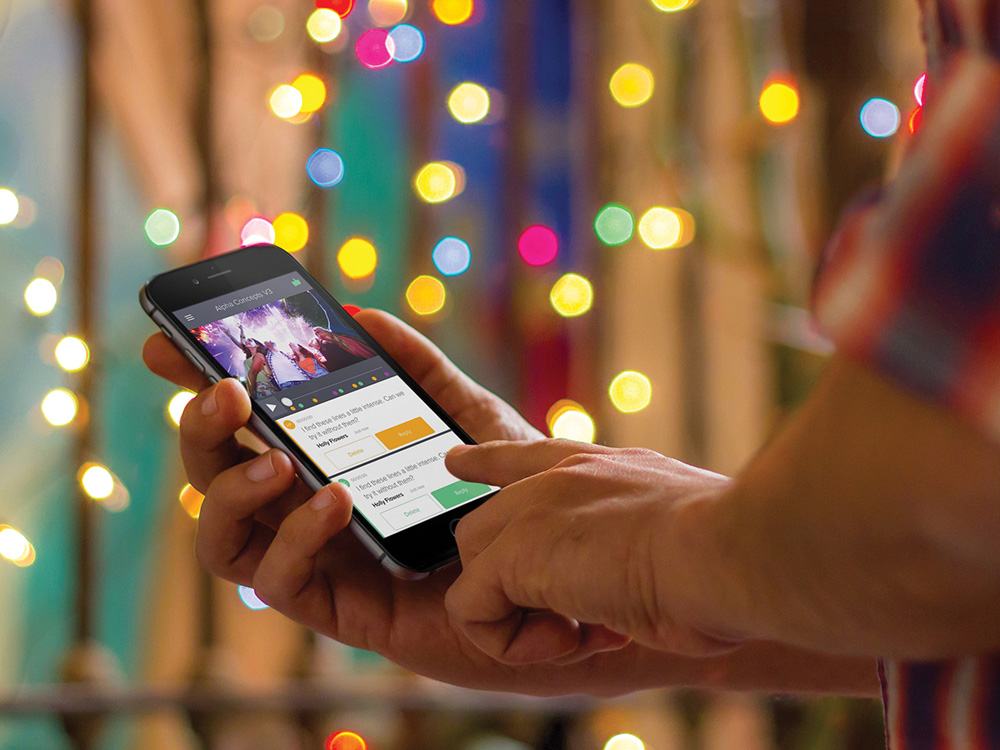
Keeping our users and their clients connected to video projects and feedback is a priority at Wipster
We’re pleased to announce the core Wipster experience of reviewing video and giving feedback from a mobile device is now live.
Watch our video to see how simple it is to review, comment and approve video on the go with Wipster.
The stars of the show - review and commenting
The founding principle behind designing Wipster for mobile was that the entire experience should start with viewing and commenting on video. This led to a design and build process of iterative release, where we focused on making the review and commenting functionality the star of the show.
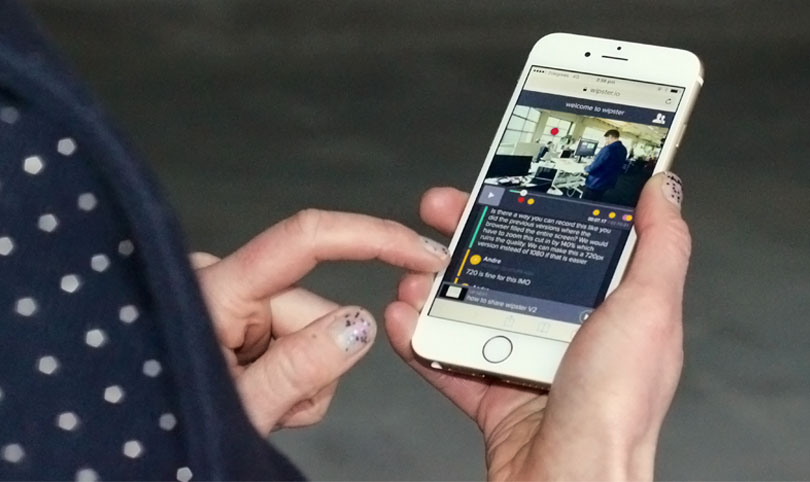
Once we’d overcome the design challenge of transferring ‘commenting on the video’ to a screen that doesn’t really fit comments, the rest came easy. We hope you enjoy.
Use Wipster mobile today to:
- Review video
- Comment on and approve video
- Reply to comments
- Nudge and remove reviewers
- Switch folders
- Switch between the desktop and mobile experiences
Have your clients started using Wipster from their mobiles yet? Tell us about their feedback or your experience in the comments below, or via our Twitter account @wipsters.
- The Wipster Team